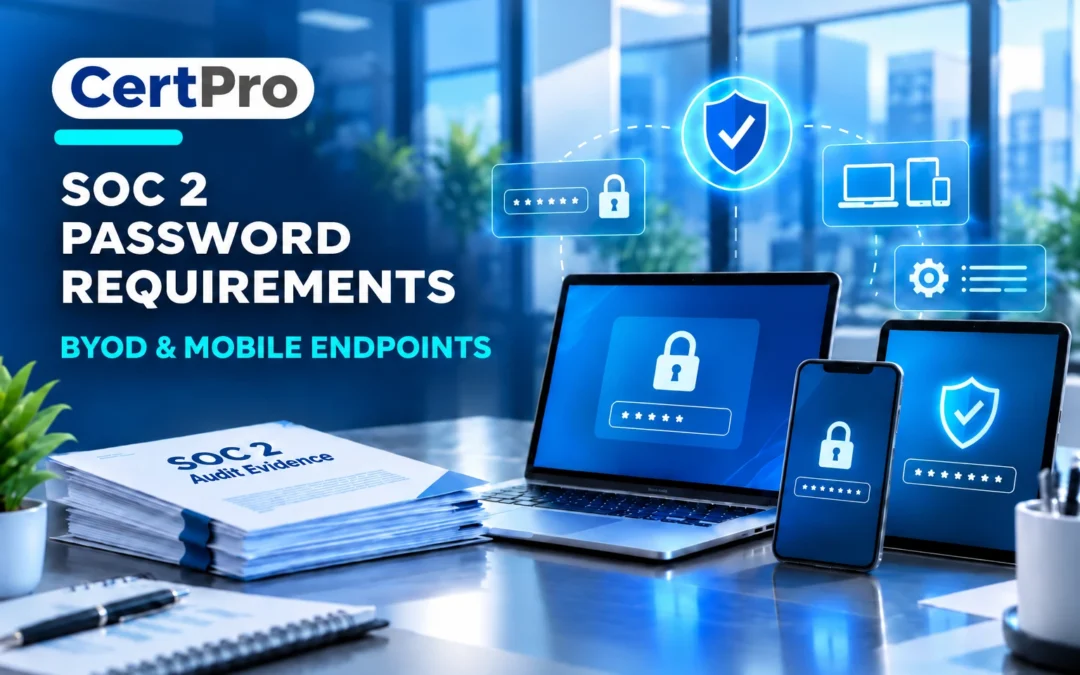

A SOC 2 examination of BYOD (Bring Your Own Device) and mobile endpoints starts with the defined system scope, not the Mobile Device Management (MDM) enrollment list. The service auditor considers whether the relevant device population is complete and whether MDM reports provide reliable information for testing. Controls may address authentication, encryption, configuration, malicious software, access restrictions, and device handling. For a Type 2 examination, the service auditor also evaluates operating effectiveness over the examination period.
When employees use personal phones to access production systems, weak mobile device management (MDM) can make it harder to detect compromised devices. Weak transport protections can also leave mobile sessions vulnerable to man-in-the-middle attacks. A lost or stolen device without remote wipe capability could expose sensitive data cached on the device. SOC 2 password requirements address part of this risk by helping prevent unauthorized access.
The AICPA Trust Services Criteria address logical access without prescribing a universal password length or rotation schedule. This article explains exactly what independent auditors test when examining SOC 2 password requirements on BYOD and mobile endpoints. Understanding this scope helps organizations approach their SOC 2 examination with accurate expectations.

Concern
Technology organizations allowing employees to access production systems from personal phones and tablets face a specific audit risk: SOC 2 password requirements that are documented on paper but technically unenforceable on unmanaged endpoints expose a control gap that independent auditors are trained to find.
Overview
SOC 2 is a principles-based framework governed by the AICPA Trust Services Criteria. CC6.1, CC6.2, and CC6.3 require logical access controls, but the framework leaves enforcement method open. NIST SP 800-63B Rev 4 (July 2025) now sets a benchmark that may be relied on.
Solution
Organizations must demonstrate that SOC 2 password requirements are technically enforced and not just written on every in-scope endpoint, including BYOD. MDM enrollment, conditional access policies, device-level encryption, and session-lock logs are the evidence auditors request.
How SOC 2 Password Requirements Map to CC6
SOC 2 password requirements do not exist as a numbered checklist inside the AICPA Trust Services Criteria. Instead, they flow from the logical access control criteria in CC6. CC6.1 requires logical access security measures that protect information assets. CC6.2 requires that users are registered and authorized before receiving credentials. CC6.3 requires that access additions, changes, and removals follow a formal approval process (Source: AICPA Trust Services Criteria 2017, updated 2022).
SOC 2 control activities under CC6.1 that auditors specifically test include:
- Whether your IdP configuration matches your documented policy
- Whether access logs capture authentication events from mobile user agents, and
- Whether conditional access rules block non-compliant devices from reaching production systems
| Control area | What a SOC 2 auditor may examine | Examples of audit evidence |
|---|---|---|
| Password policy enforcement | Whether the settings that govern sign-ins to in-scope applications match the documented policy for password length, resets, or other rules the organization has adopted. | Approved password policy, identity provider (IdP) configuration export, and policy assignments showing which users and applications the settings cover. |
| Multi-factor authentication (MFA) | Whether MFA applies to the accounts and applications covered by the control, including sign-ins from personal devices where applicable. | MFA policy and assignments, sample sign-in records showing the authentication outcome, and records of approved exceptions. |
| Access from personal devices (BYOD) | Whether personal devices can reach in-scope applications or sensitive data only under the conditions management has documented. | BYOD policy, applicable conditional access rules, and sampled access records or test results showing how permitted and restricted sign-ins are handled. |
| Device PIN and screen lock | Where management relies on device-level controls, whether enrolled devices receive the required PIN and screen-lock settings. | Mobile device management (MDM) configuration exports, policy assignments, and device compliance records for sampled endpoints. |
| Password resets and access removal | Whether applicable reset, account disablement, or access revocation procedures operated as documented after events such as a compromised credential, lost device, or employee departure. | Sample incident or offboarding tickets, IdP audit logs, and records showing when the relevant action occurred. |
What Auditors Test on BYOD and Mobile Endpoints
The audit surface expands significantly when employees use personal devices. An independent auditor conducting a SOC 2 examination will distinguish between three device categories: fully managed corporate devices enrolled in MDM, partially managed BYOD enrolled in a work profile, and unmanaged personal devices with no MDM enrollment. SOC 2 password requirements must be demonstrably enforced across all three if those devices access in-scope systems.
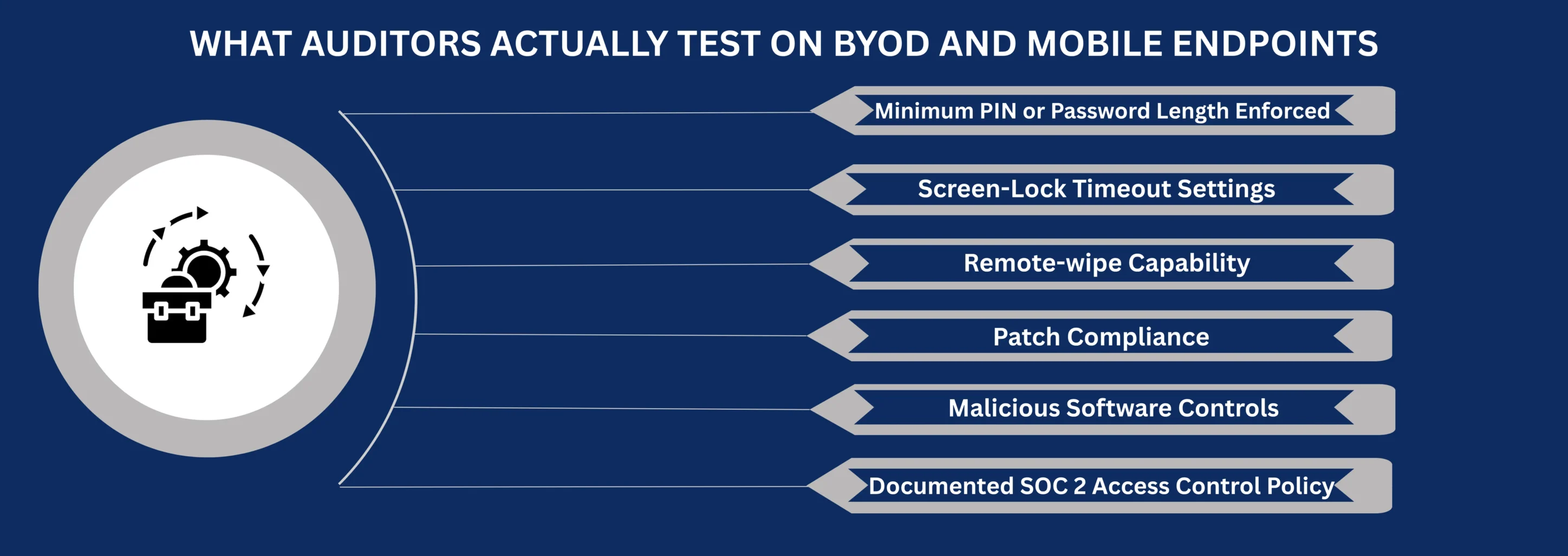
For MDM-enrolled devices, auditors typically request: MDM configuration exports showing screen-lock timeout settings, minimum PIN or password length enforced at the device level, and remote-wipe capability. They will cross-reference these exports against your documented SOC 2 access control policy to confirm the configuration matches the written requirement.
For unmanaged BYOD, auditors look for compensating controls. The most common and defensible approach is conditional access policy, enforced at the identity provider, that requires device compliance attestation before granting access to production systems. If your IdP logs show a mobile device authenticated without compliance evaluation, that is a finding under CC6.1.
Session timeout enforcement on mobile is a frequent audit finding. Policies often state a 15-minute inactivity timeout, but mobile apps commonly cache authentication tokens well beyond that window. Auditors may request token expiration configuration from your SSO platform to verify that session-level SOC 2 control activities align with the written policy. The gap between what a policy says and what a token lifetime allows is one of the most common mismatches in mobile endpoint audits.
SOC 2 Encryption Requirements on Mobile: A Distinct Control Layer
SOC 2 encryption requirements on mobile endpoints are tested separately from password strength but are closely related in audit evidence packages. CC6.1 covers encryption, both at rest and in transit, to protect data. On mobile devices, this means device-level storage encryption and transport-layer encryption for any data the device sends or receives.
Modern iOS and Android devices encrypt local storage by default when a device passcode is set. Auditors will verify this indirectly: MDM compliance reports that flag devices without a passcode may point to unencrypted storage in your environment. If unmanaged BYOD devices can cache sensitive data locally without meeting the passcode requirement, that could be a potential SOC 2 encryption requirements gap and not just a password gap.
For data in transit, auditors examine whether your mobile applications enforce standrads as per the organization's policy and whether controls are in place to prevent man-in-the-middle interception. This is especially relevant for BYOD environments where users may connect over untrusted Wi-Fi networks.
A practical point auditors frequently raise: if a device is not enrolled in MDM and cannot be remotely wiped, then local data cached by your application remains accessible if that device is lost or stolen.
When evaluating SOC 2 access controls, the auditor may examine how management limits data exposure if remote wipe is unavailable on unmanaged personal devices. Examples include restricting offline data caching or limiting access to production data to devices enrolled in MDM.
Building Auditable Evidence for SOC 2 Password Requirements on Mobile
An auditor does not accept a policy document as evidence of control operation. For SOC 2 Type 2 examinations, auditors test whether controls operated consistently throughout a defined period. For mobile endpoints, this requires continuous, logged evidence and not a snapshot.
The evidence package for SOC 2 password requirements typically includes: IdP authentication logs filtered by mobile user agents showing MFA events, MDM compliance dashboards or exports showing enrollment rates and policy violations, conditional access policy configuration screenshots, token lifetime configuration from your SSO platform, and records of any device-compromise or access-revocation events.
Critically, if your conditional access policy excludes certain legacy applications or device types from MFA enforcement, auditors may identify those exclusions. Any carve-out from your stated SOC 2 access control policy requires documented justification and compensating controls. Unexplained exclusions in conditional access logs may lead to a control deficiency finding.
Periodic access reviews, required under SOC 2 control activities for CC6.3, must include mobile device access. Auditors will ask to see the scope of your access review population, and devices are part of that population when they access in-scope systems. If your review process covers only workstations and servers but not enrolled in-scope BYOD devices, the review may be incomplete.
Conclusion
SOC 2 password requirements are not satisfied by a well-written policy. They are satisfied by documented, technically enforced, and continuously logged controls that an independent auditor can verify across every in-scope endpoint, including the personal devices in employees' pockets.
BYOD and mobile endpoints introduce an enforcement gap that the majority of compliance guidance overlooks. Auditors testing CC6.1, CC6.2, and CC6.3 will look past the policy document and into MDM configuration exports, IdP authentication logs, conditional access rules, session token lifetimes, and access review populations. SOC 2 encryption requirements add a second layer of scrutiny around device-level storage encryption and remote wipe capability.
As an independent attestation provider, CertPro issues SOC 2 audit reports based on evidence gathered during its examinations, providing the assurance that customers, partners, and prospects rely on when evaluating a service organization's security posture.