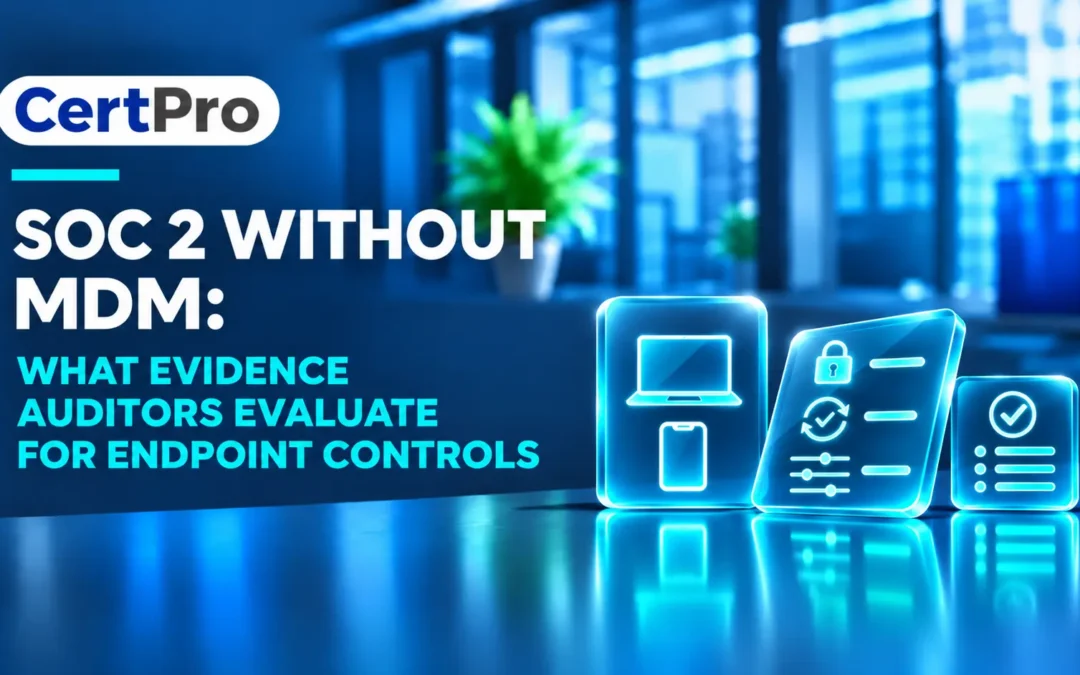

SOC 2 does not require mobile device management (MDM). In a Type 2 examination, auditors evaluate whether endpoint controls were suitably designed and operated effectively throughout the reporting period. Small teams can support controls with reconciled device inventories, dated configuration checks, access logs, and records showing how exceptions were resolved.

Concern
Teams without MDM worry that SOC 2 will fail them on endpoint controls, or they assume buying a tool is mandatory. Neither is accurate, but the auditor still needs proof that every in-scope device met your stated baseline.
Overview
SOC 2 does not name MDM. Instead, the Trust Services Criteria describe outcomes. An independent CPA firm tests whether your documented controls operated, using device inventories, configuration evidence, access records and offboarding logs. In a Type 2 examination, that evidence must cover the full report period, not one day.
Solution
Define a written device baseline, keep a complete inventory reconciled to your identity provider, and collect dated, system-generated evidence for each setting. Document how exceptions are handled. Without MDM, evidence quality and completeness decide the outcome, so design collection before the observation period begins.
Clients can require a current SOC 2 report even if your IT company or startup has only a handful of employees. Meanwhile, BYOD is routine. Employees expect to use personal iOS and Android devices to reach work email, calendars, contacts, and other sensitive data from anywhere. As more business applications support mobile workflows, the question for a team without mobile device management (MDM) is how to show that its controls protect the devices and data within scope.
What SOC 2 asks of endpoint controls
The AICPA Trust Services Criteria do not require MDM or prescribe a particular product. Under CC6.6, it lists endpoint detection and response (EDR) as one example of boundary protection. The points of focus for CC6.7 and CC6.8 discuss protecting endpoints and using antivirus or anti-malware software, respectively. Points of focus illustrate characteristics that may help an organization meet the criteria. Management defines the control based on its risks and commitments, and the auditor evaluates its design and, for Type 2, whether it operated effectively throughout the reporting period.
Start by documenting the end point security baseline in your SOC 2 policies and procedures. For company laptops, a baseline may include disk encryption, automatic screen locking, timely operating system updates, malware protection, and a procedure to remotely lock or wipe lost devices where supported. Define who checks each setting, when checks occur, and how the team handles failures. If your control requires IT to verify encryption before granting production access and monthly thereafter, those are the activities an auditor will look for in the evidence. The SOC 2 policies and procedures must describe what you actually do.
Scope devices by what they can access
Start with who can reach in-scope systems or customer data and from which devices. Include employee and contractor devices, including personal phones and laptops, in your risk assessment wherever that access is possible. Your SOC 2 policies and procedures can set different rules for different access paths.
For example, company laptops may qualify for direct production access after a device check, while personal phones may access selected applications through a browser that restricts downloads.
Some controls secure the device itself. Others govern what a user or device can access and where company data can go. A cloud desktop with local file transfers restricted can limit what reaches a personal computer. When comparing MDM examples, check whether the MDM can enforce the controls your team relies on, which operating systems it covers, and how it handles devices that stop reporting.
Endpoint evidence approaches compared
-
Mobile device management (MDM)
Typical fit: Company-owned devices managed centrally
Evidence a SOC 2 auditor may review: Device enrollment and compliance reports, plus remote wipe records where applicable
Common evidence gap: Unenrolled or nonreporting devices may be absent from the report. -
Manual checks
Typical fit: Small teams with few devices and a consistent configuration
Evidence a SOC 2 auditor may review: Dated screenshots or command output tied to device IDs, plus completed review and remediation records
Common evidence gap: Stale inventories can omit devices, and missing review records can leave gaps in reporting-period coverage. -
Device posture checks at sign-in
Typical fit: Personal or contractor devices accessing selected applications
Evidence a SOC 2 auditor may review: Access policy settings and sign-in records with device status and policy outcome, where recorded
Common evidence gap: Some applications or access paths may fall outside the policy. -
Managed virtual desktops
Typical fit: Employees or contractors who need remote access to sensitive systems or data
Evidence a SOC 2 auditor may review: Session and access logs, configuration records for clipboard or drive redirection, and test results for those restrictions
Common evidence gap: Session logs alone do not show whether users could copy files or data to a local device.
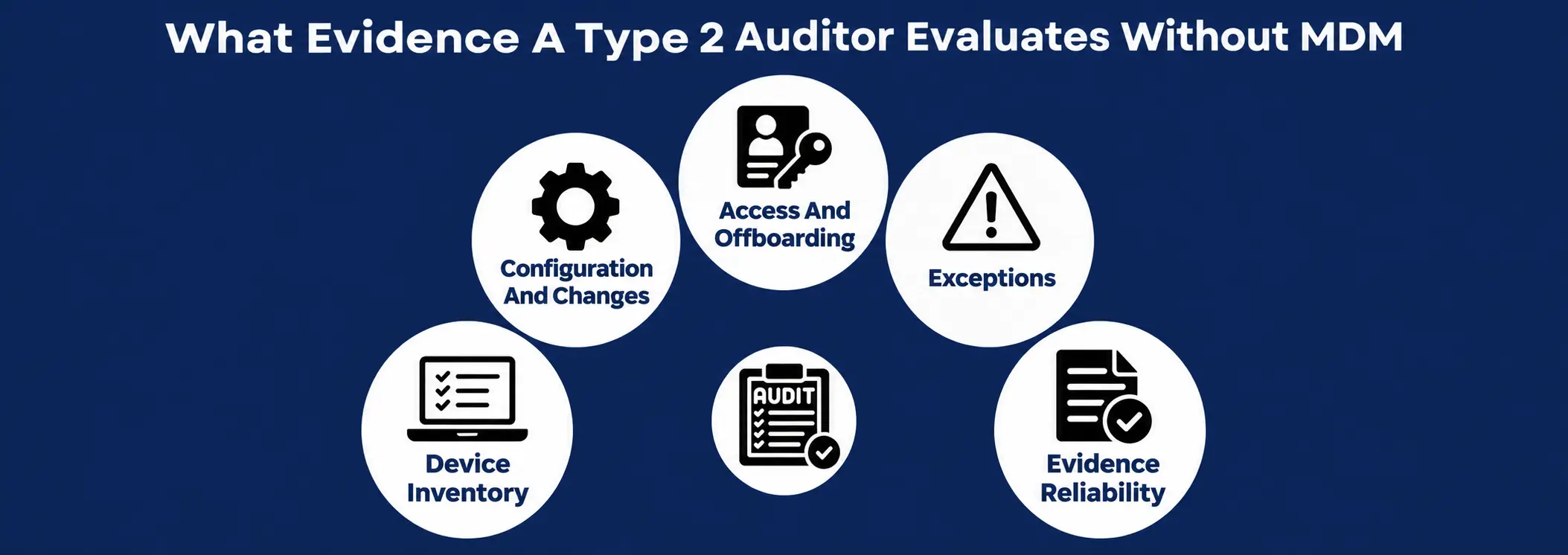
What Evidence A Type 2 Auditor Evaluates Without MDM
The auditor looks for evidence that your checks covered the right devices, happened when required, and led to follow-up when something failed.
-
Device inventory
Keep a device identifier, assigned user, and access start and end dates. The auditor may compare the list with equipment issuance records, employee and contractor rosters, or device registration and sign-in logs. Where personal devices are allowed, use records that capture them.
-
Configuration and changes
Document the baseline and review frequency in your SOC 2 policies and procedures. Keep dated, device-specific evidence of what IT verified, such as BitLocker or FileVault output, patch status, or screen lock settings. If your end point security control includes detecting configuration changes, retain alerts or review records showing how IT identified and handled them.
-
Access and offboarding
Identity provider or VPN logs can show when access occurred or was blocked. If IT verifies encryption before granting access, link the dated check to the device and access approval. For offboarding, compare the required cutoff with account disablement or session revocation timestamps.
-
Exceptions
If a laptop fails an encryption check, a ticket can show when IT blocked access, corrected the setting, and verified the fix. If the company allows exceptions, retain the approval and applicable expiry date.
-
Evidence reliability
An employee statement shows what they reported. Dated device output can corroborate the setting at the time of the check. A system export may still omit offline devices or exclude records through filters. Under AT-C Section 205, the auditor evaluates whether company-produced information is sufficiently reliable for the intended procedure, including its accuracy and completeness as necessary.
Conclusion
SOC 2 without MDM is achievable when the endpoint control is clearly defined and the evidence is complete. Whether records come from MDM, native operating system tools, or tickets, the auditor looks for reliable evidence of how the control operated during the reporting period.
CertPro, as an independent licensed CPA firm, conducts SOC 2 examinations and issues the resulting attestation report based on the evidence tested.